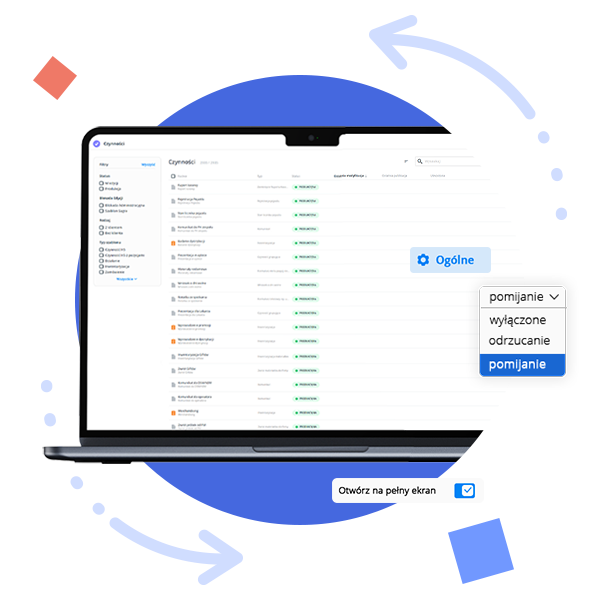
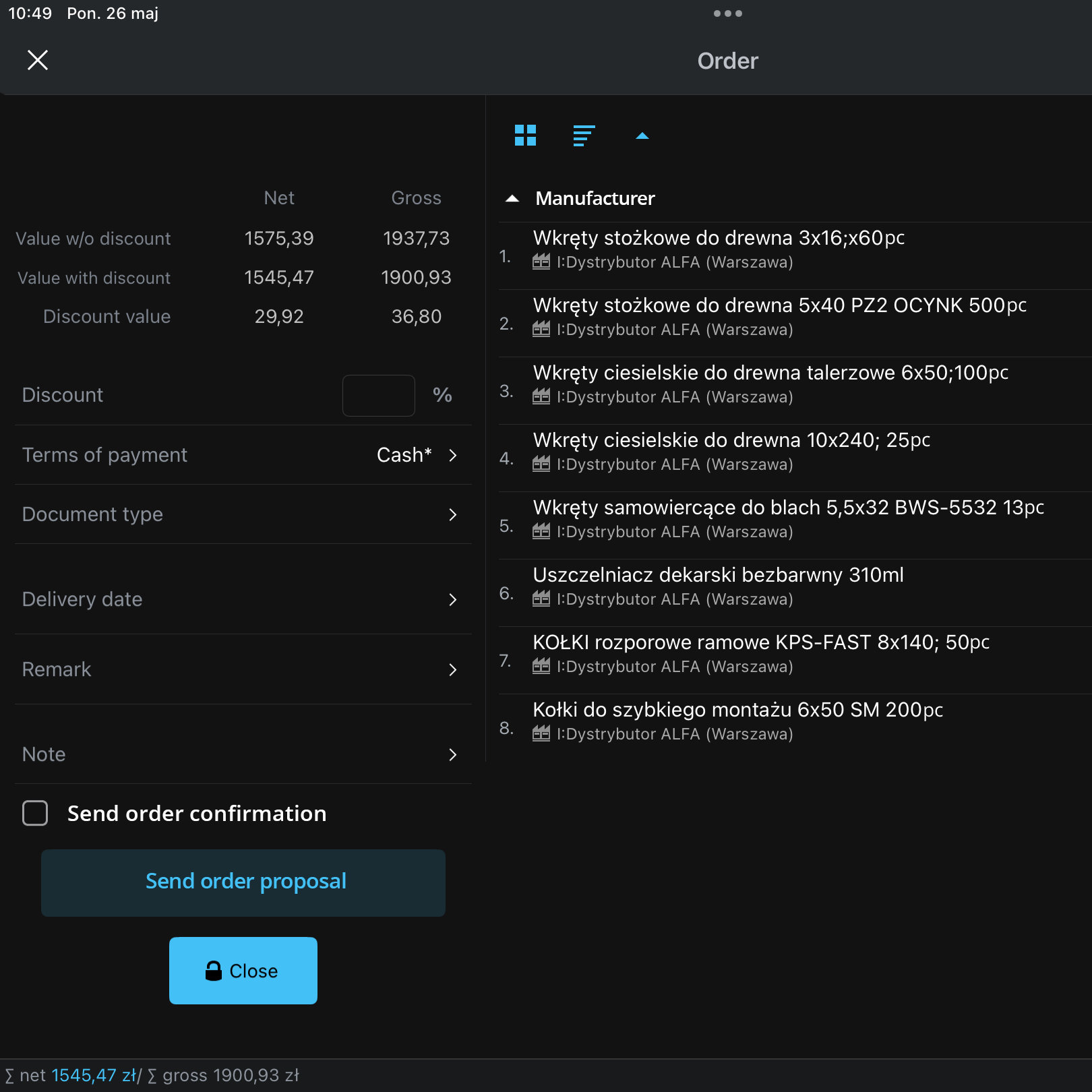
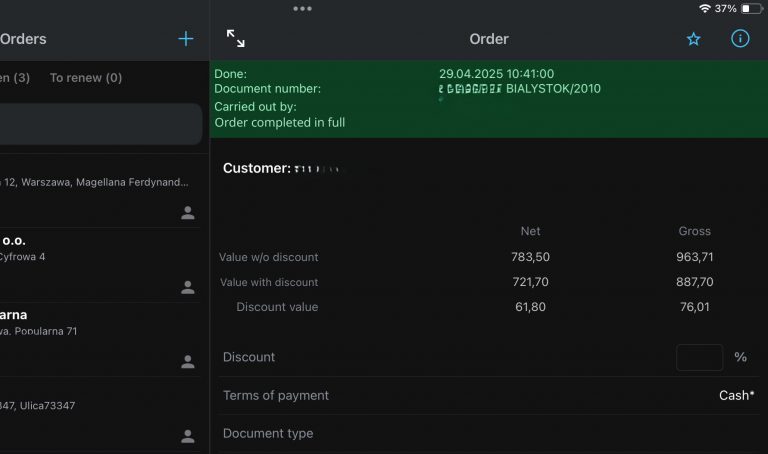
From now on, an order proposal automatically includes an attachment with a list of suggested items to order, along with the proposed quantities and prices (an automatically generated CSV file). The representative no longer needs to copy this information manually and send it from their email to the store.
To send the order proposal, the representative simply needs to click the button shown in the image.
02
Opening files attached to the H5 activity in full screen on the Emigo Mobile Terminal.
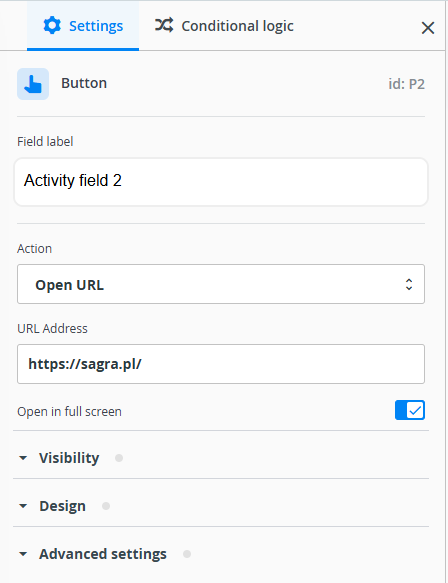
For greater convenience when using the Emigo Mobile Terminal (TME), we’ve added the option to display files attached to an activity in full-screen mode.
In the H5 activity editor, a new parameter has been added for the “Button” field type. This parameter determines whether the linked page or file will open in full screen or in a window.
03
Icon for Viewing quantities in previous orders in the Order Module on the Emigo Mobile Terminal
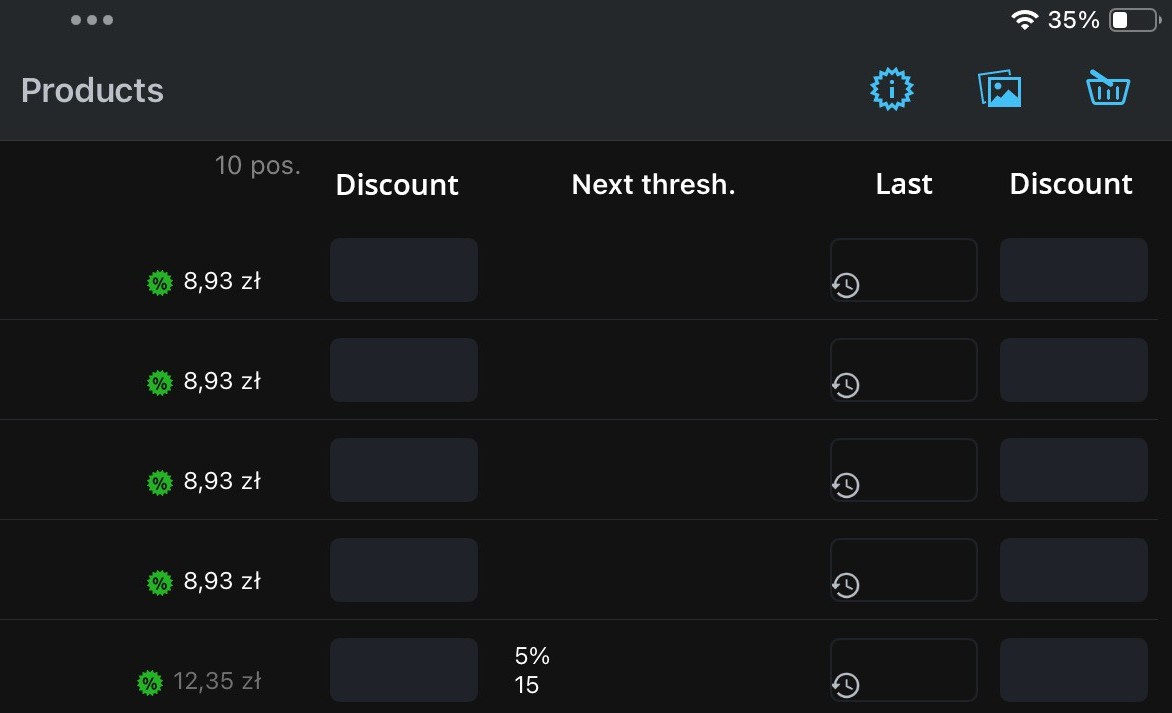
To make it easier for representatives to complete orders, we’ve added an icon that allows them to view the history of previously ordered quantities for each item.
The “Last” field displays the most recently ordered quantity, while clicking the clock icon shows the full history of previously ordered quantities.
04
Ability to Select and Copy Order Notes from the Emigo Mobile Terminal
We’ve added the ability to select and copy order notes within the Emigo mobile app. This means representatives no longer have to manually rewrite information they need—for example, to check the status of a shipment on the courier company’s website. Previously, the tracking number had to be copied by hand from the activity preview on the Mobile Terminal.
05
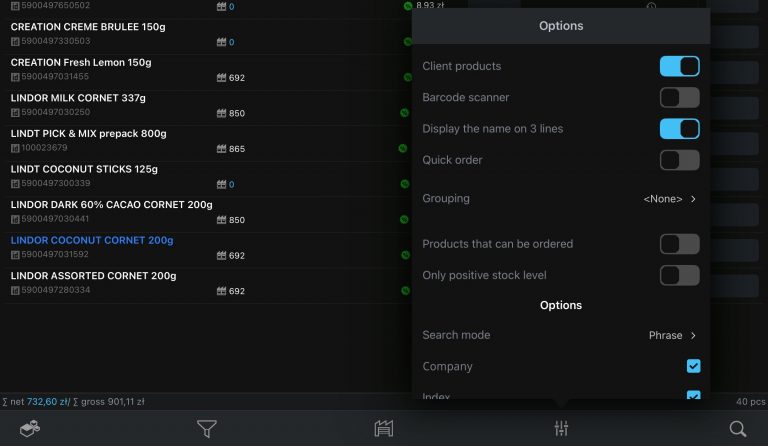
Company-Specific Product Sorting in the “All Products” View and Dynamic Offers on the Emigo Mobile Terminal
To help representatives work faster and more efficiently, we’ve added the ability to apply company-specific product sorting in both the “All Products” view and in dynamic offers on the Mobile Terminal.
To enable this, a sorting number (e.g., product size) must be entered in the product catalog. The representative will then see a “Company” option among the available sorting parameters in the app.
06
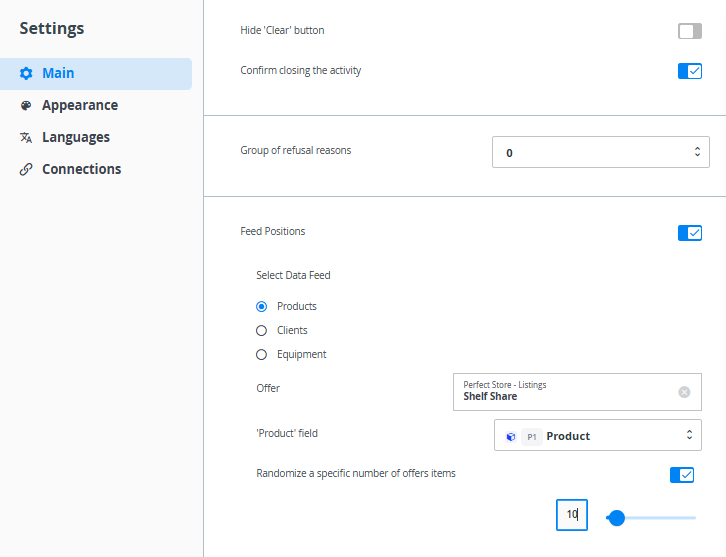
Random Selection of Items from Listings in H5 Activities Powered by an Offer
This new feature applies to all H5 activities where the items are powered by an offer—for example, in Perfect Store audits. In Perfect Store surveys, representatives check the presence of listed products in a store. For some stores, these listings are very long, making the audit time-consuming.
07
Automatic Rejection of Held Orders After 48 Hours
We’ve introduced the ability to automatically manage the document queue—in this case, orders that are held due to, for example, a missing product or customer in the distributor’s database. From now on, the Emigo administrator no longer has to handle these manually, significantly speeding up the entire process. To enable this functionality, please contact your customer account manager.
08
Copying Selected Product Card Data to Clipboard on the Emigo Mobile Terminal
We’ve added the ability to copy data from the product card. This can be helpful when a representative needs to report an issue related to a specific product. Now, there’s no need to manually rewrite product information.
The following data can be copied:
Name
Index
Barcode
09
Higher Resolution Image Preview in the Gallery
The image preview in the Gallery on the Emigo Portal now supports higher resolution, making it easier to see more details without downloading the image—for example, to identify product packaging. You can zoom in using the mouse scroll wheel.
10
Additional Information About Partial Orders in Network Orders Sent to Wholesalers
To help wholesalers verify the completeness of received network orders more efficiently, we’ve added extra information in the “Additional Notes” field in the order header. From now on, orders sent to wholesalers include, among other things, information on the number of partial orders that were created from a given network order sent by the manufacturer.
This allows wholesalers to better assess whether all partial orders have been included in the delivery process, significantly reducing the risk of missing any items.
11
Other Improvements
Multi-selection available in the Customers console (Emigo Portal)
Visit planning in the Emigo Mobile Terminal extended up to 6 months in advance on Android devices
Reduced processing time for orders in Integra, meaning orders are now transferred to wholesalers almost instantly—minimizing the risk of shortages due to delays
Status icon added for orders canceled from the document queue
Need help?
If you have any questions or doubts, feel free to contact our Support Team. Just write to: [email protected] We’ll do our best to get back to you as soon as possible.